第一个程序
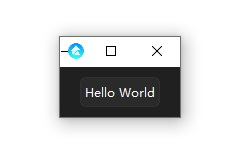
在编码之前,你可以先预览一下 tkadw 的效果
python -m tkadw
第一个窗口
from tkadw import *

# 初始化主题
theme = nametotheme(
    "ant"
)

root = AdwTMainWindow()  # 初始化窗口
root.theme(theme, "dark")  # 设置全局主题

## ---------
## 将你的程序放在这里
## ---------

root.run()  # 运行窗口
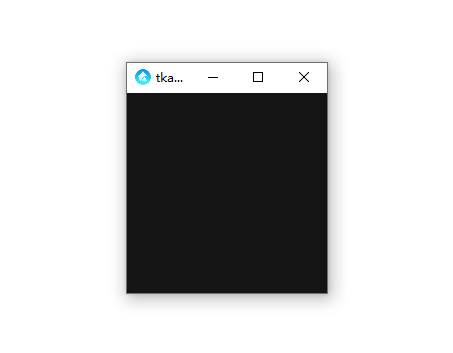
这确实太单调了,什么也没有,是时候加些组件了
button = AdwTButton(root, text="Hello World")
button.pack(padx=10, pady=10)
from tkadw import *

# 初始化主题
theme = nametotheme(
    "ant"
)

root = AdwTMainWindow()  # 初始化窗口
root.theme(theme, "dark")  # 设置全局主题

## ---------
## 将你的程序放在这里

button = AdwTButton(root, text="Hello World")
button.pack(padx=10, pady=10)

## ---------

root.run()  # 运行窗口
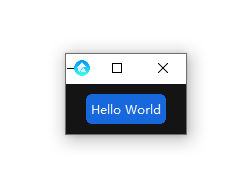
这样就加上一个按钮
如果你觉得这个主题不好看,可以尝试换一个,暂时只有ant win11这两种主题
theme = nametotheme(
    "win11"
)
from tkadw import *

# 初始化主题
theme = nametotheme(
    "win11"
)

root = AdwTMainWindow()  # 初始化窗口
root.theme(theme, "dark")  # 设置全局主题

## ---------
## 将你的程序放在这里

button = AdwTButton(root, text="Hello World")
button.pack(padx=10, pady=10)

## ---------

root.run()  # 运行窗口